Installing the Ecommerce Demo
Step-by-step guide to installing and exploring the JopiJS flower shop (FloreStore) demo.
The FloreStore demo is a partial ecommerce application built with JopiJS.
Why this demo?
This project specifically demonstrates how the Cache System and Modular Architecture of JopiJS can significantly simplify the implementation of complex features like a Product Catalog and a Shopping Cart.
It serves as a reference implementation for these advanced architectural patterns.
🚀 Installation
To install the demo, follow these simple steps:
1. Initialize the project
In an empty directory, run the JopiJS initialization command:
npx jopi init2. Select the template
When prompted by the assistant, use the arrow keys to select:
👉 demo-flore-store
3. Install dependencies
Run the installation command (twice, as recommended for JopiJS workspaces):
npm install && npm install
# or
bun install && bun install
4. Start the server
Launch the development server:
npm run start:dev_serverOpen your browser at http://localhost:3000.
🛍️ Exploring the Demo
Once installed, you can explore the following key features:
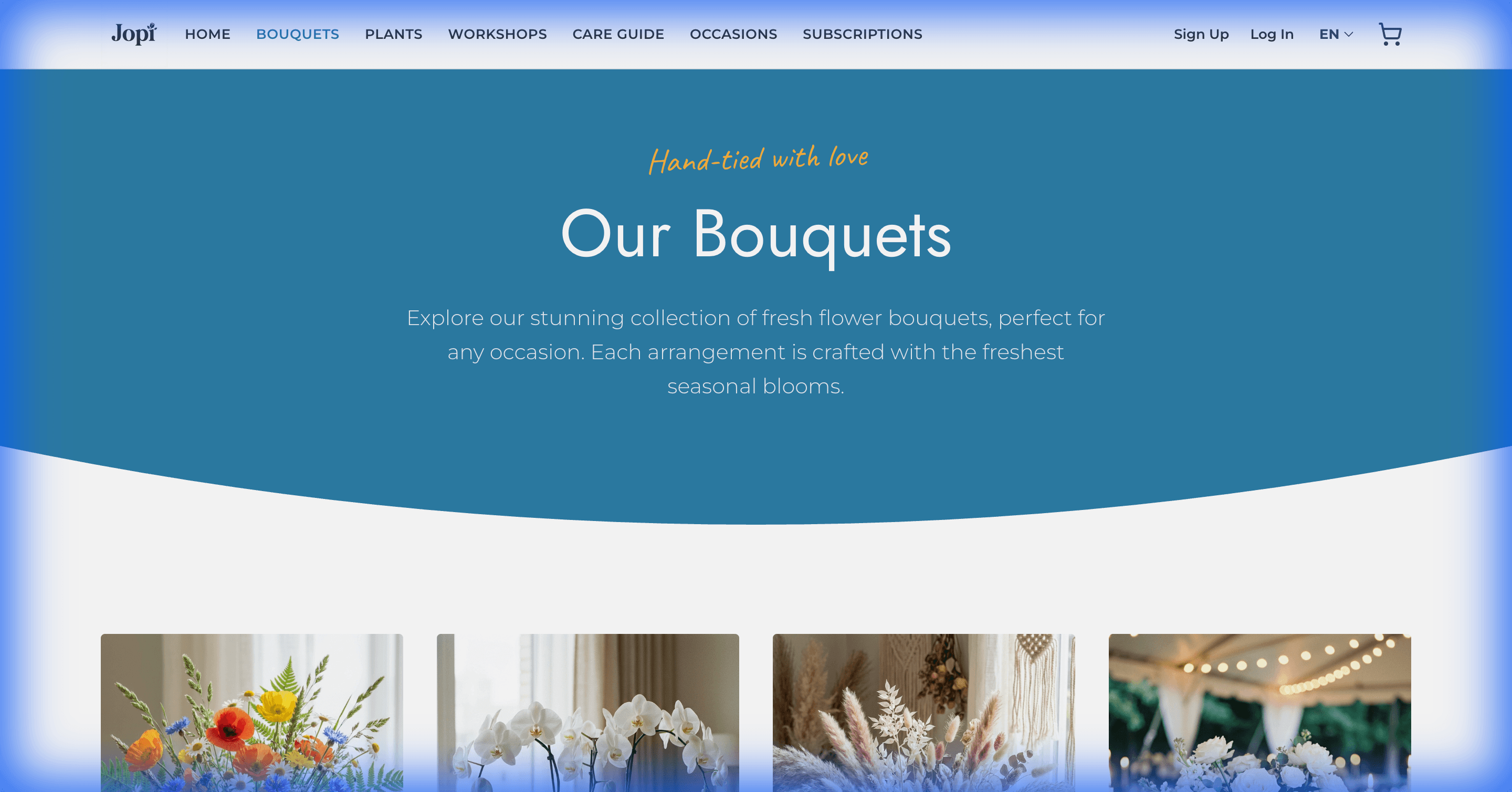
The Flower Catalog
Navigate to /bouquets to see the product listing. Each product is a JopiJS component with its own logic.
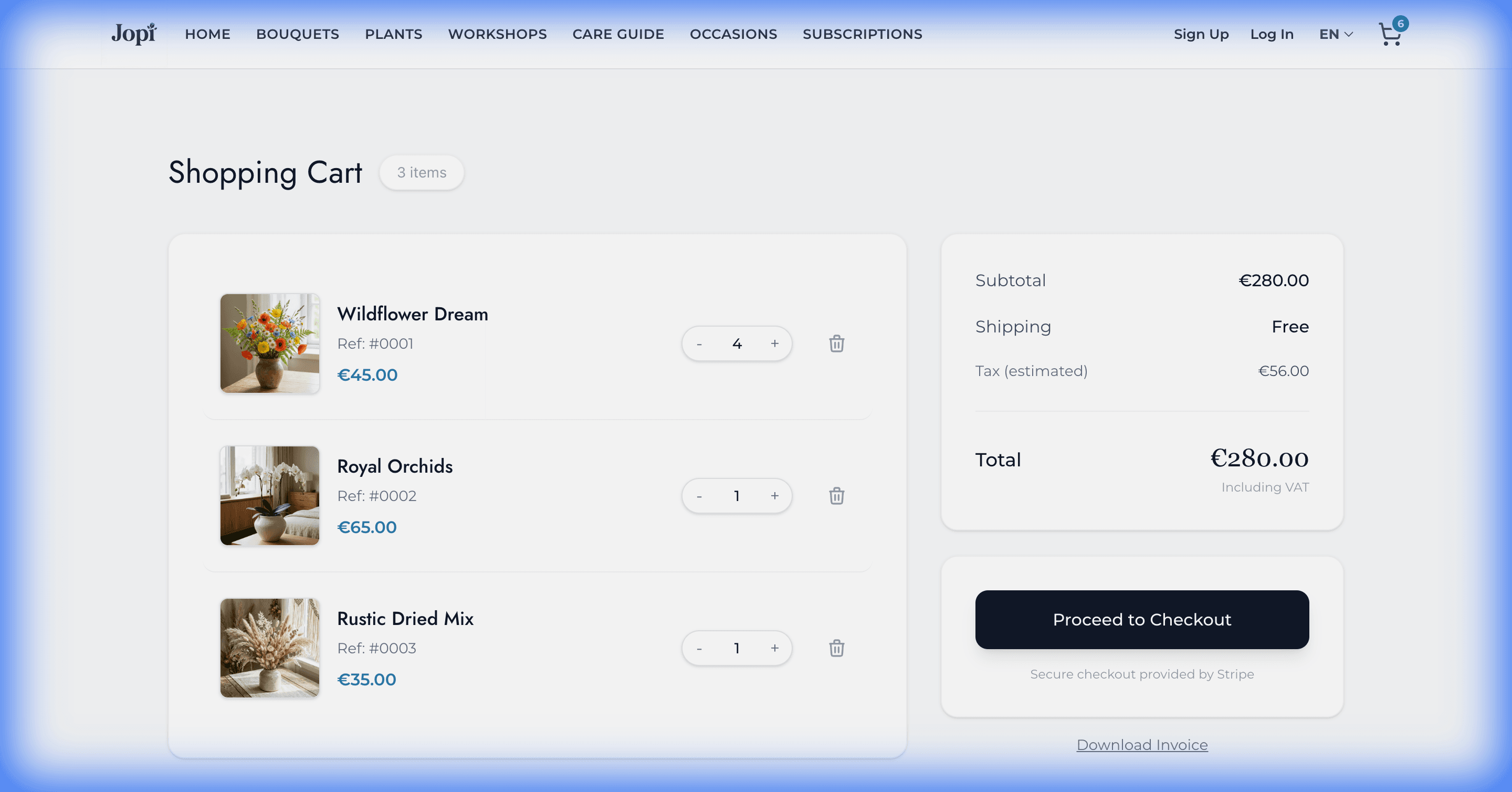
The Shopping Cart
Add some flowers to your cart and go to /cart to manage your selection. The cart state is shared across the application.
Internationalization 🌍
The demo features a full English/French translation system. You can switch languages using the selector in the footer or header. This demonstrates how JopiJS handles locale context and hot-reloading of translations across all modules.
User Authentication 🔐
Click on the Account icon in the header to access the login page. You can:
- Create an account via the registration form.
- Log in to access your personal profile.
This flow uses the mod_jopijs@user_auth module which provides ready-to-use security features and UI components for user management.
Key Learnings from this Demo:
- Modular Architecture: Discover how to split a complex app into domain-specific modules (
mod_cart,mod_pages,mod_template). - Shared Components: How to build a Design System accessible by all modules via
@alias/ui. - Internationalization: Implementation of a multi-language site (English/French) using JopiJS translation hooks.
- Authentication: A complete example of Account Creation and Login flows using the
user_authmodule. - Sub-caching Strategy: See how
usePageDatahandles per-language caching for static content and automatic refreshing for dynamic data (prices, stock). - Event Driven: How modules communicate loosely (e.g., adding to cart) without tight coupling.